Five Free Browser Tools Every Developer Should Bookmark
Published November 4, 2026 · 6 min read
Developers spend a large part of the day inside the browser: testing pages, reading documentation, inspecting network requests, and sharing evidence with teammates. The right browser tools make each of those jobs quicker, and a small set of well-chosen utilities can save hours every week.
This guide covers five kinds of free browser tools worth bookmarking, why they matter, and how to build a toolkit that fits your workflow.
Why browser tools matter for developers
Front-end work, API testing, documentation, and bug reporting all pass through the browser. When a tool is one click away, you use it more often and make fewer mistakes. Good browser tools also cut context switching: instead of opening a separate app for every small job, you stay in the tab you're already working in. That focus adds up over a full day.
1. Built-in developer tools
Every major browser ships with developer tools, and learning them well is one of the highest-return skills a developer can build:
- Console for reading errors and running quick checks.
- Network panel for request timing, status codes, and payloads.
- Elements inspector for layout and styling problems.
Learn the shortcuts so they're seconds away. In Chrome, Edge, and Brave:
| Action | Windows / Linux | Mac |
|---|---|---|
| Open DevTools | F12 or Ctrl+Shift+I | Cmd+Option+I |
| Open the Console | Ctrl+Shift+J | Cmd+Option+J |
| Inspect an element | Ctrl+Shift+C | Cmd+Shift+C |
2. A screenshot and sharing tool
Showing a problem is usually faster than describing it. A screenshot captures the exact state of a page, including error messages and layout glitches, and a screenshot tool turns it into a link a teammate can open in one click.
SSHOT Online fits here. Paste any screenshot and get a share link and a direct image link, or use the SSHOT Extension to select part of a page, mark the bug with a box or arrow, and copy the link in one step. That keeps bug reports and code review comments clear without long email threads.
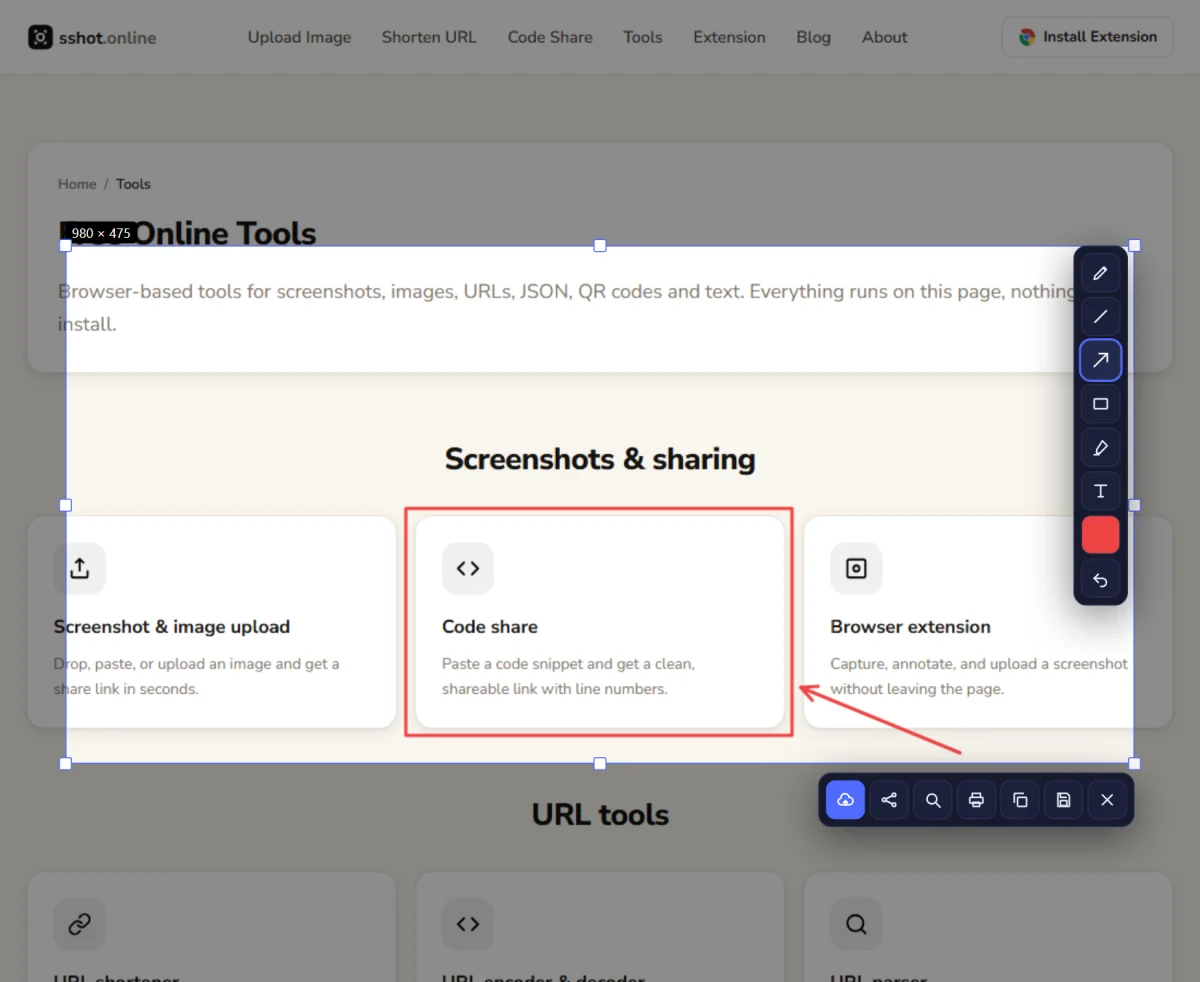
3. A code sharing tool
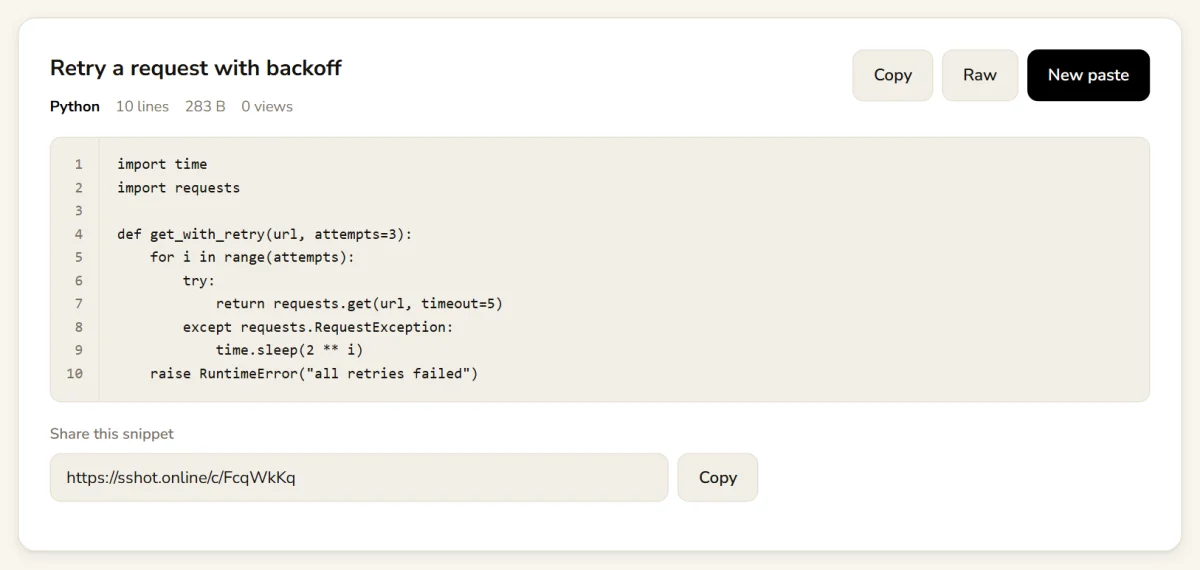
Pasting a stack trace or a 40-line function straight into chat makes it hard to read and loses the formatting. A code sharing tool gives you a clean, line-numbered link instead.
SSHOT Code Share lets you pick the language, paste up to
512 KB, and get a share link plus a raw text link that works with curl or scripts.
No account needed.
4. Data and text utilities
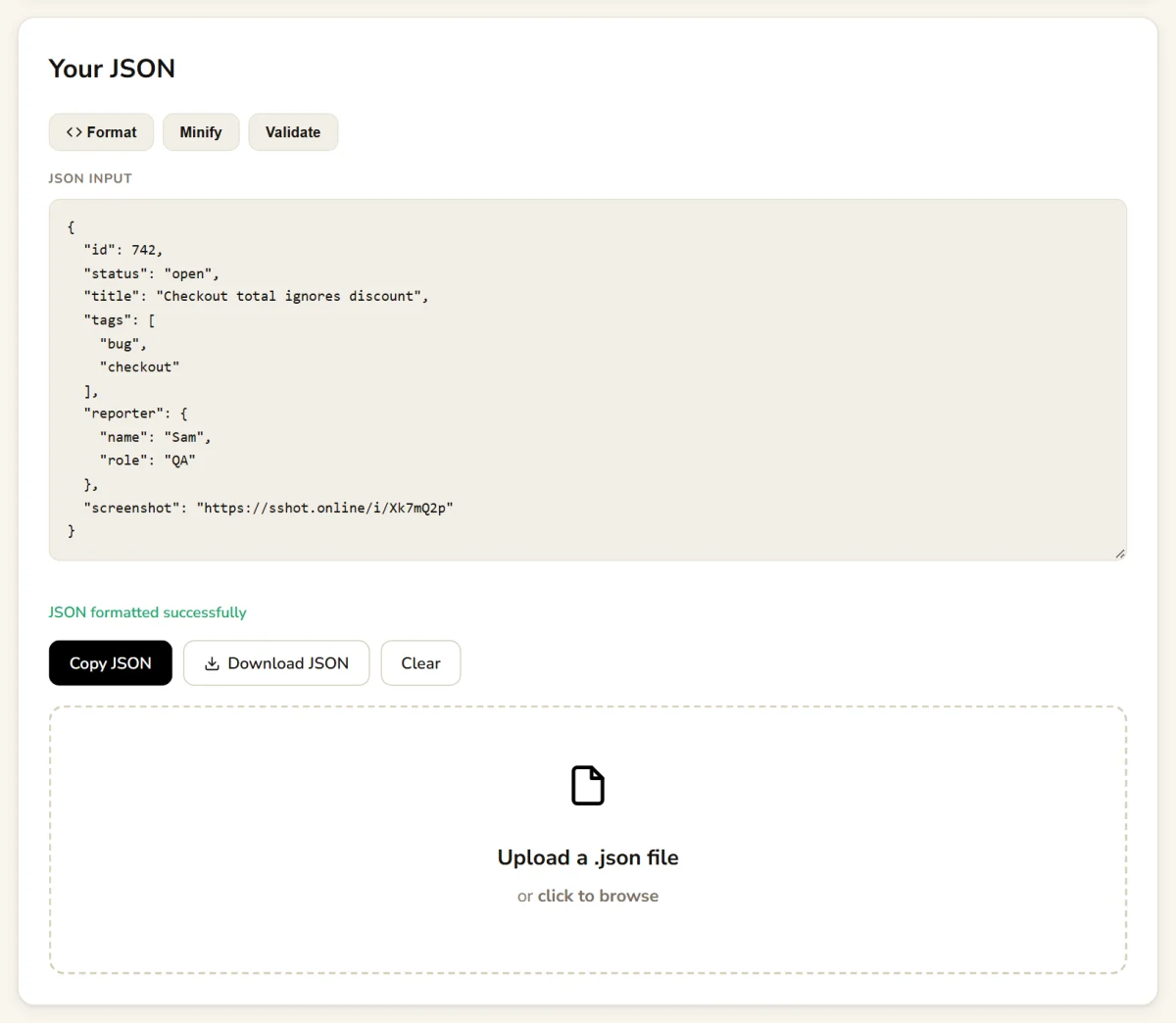
Developers constantly clean up text and convert data: formatting an API response, decoding a query string, or checking what a long URL actually contains. Keep one or two trusted utilities bookmarked instead of searching every time:
- JSON formatter & validator: format, minify, and find syntax errors.
- URL encoder & decoder: convert values to and from a URL-safe format.
- URL parser: break a URL into host, path, and each query parameter.
- URL slug generator and text case converter for content work.
Be careful with sensitive data. Don't paste private keys, passwords, or customer records into online tools you haven't checked. The SSHOT Online JSON formatter, URL encoder, URL parser, slug generator, and text case converter all run entirely in your browser, so what you paste isn't sent to a server. Tools that create a shareable link, like Code Share, do store what you submit, so clean secrets out first.
5. Documentation and reference bookmarks
Documentation sites are browser tools too. Bookmark the official references for the languages and frameworks you use most, such as MDN for web APIs, and organize them into folders by project or topic so you can find the right page fast during a busy sprint.
Consider a separate browser profile for development. Keeping work bookmarks, extensions, and logins apart from personal ones reduces clutter and makes your toolkit easier to maintain.
Building your bookmark toolkit
Start small. Pick tools that solve problems you hit every week, use them for a few days on real work, and keep only the ones that genuinely speed you up. A tidy bookmarks folder might look like:
- Debug: JSON formatter, URL parser, URL encoder
- Share: screenshot to link, Code Share, URL shortener
- Docs: your framework and language references
All the SSHOT Online tools are listed on one tools page, so a single bookmark covers them.
Conclusion
The right browser tools turn everyday development tasks into quick, focused work. Built-in developer tools, a screenshot and sharing tool, a code sharing tool, data utilities, and good documentation bookmarks cover most needs without cluttering your workflow. Pick a few, test them on real projects, and keep the ones that save time.
For screenshots, code snippets, and quick data fixes, bookmark the free SSHOT Online tools. No signup needed.
Frequently asked questions
What are the most useful browser tools for developers?
Built-in developer tools, a screenshot and sharing tool, a code sharing tool, a JSON formatter and other data utilities, and bookmarks to official documentation cover most daily needs.
Are free online developer tools safe to use?
Many are, but check how each tool handles data before pasting anything sensitive. The sshot.online JSON formatter, URL encoder, URL parser, slug generator, and text case converter run entirely in your browser and don't send your input to a server. Never paste passwords, API keys, or customer data into a tool you haven't checked.
How should I organize developer bookmarks?
Group them into folders by task, such as debugging, sharing, and documentation, or by project. Use clear names and remove anything you no longer use.
Can browser tools replace command-line work?
No, they complement it. Browser tools are great for quick checks and visual work, while the terminal remains essential for builds, scripts, and automation.
How can sshot.online help developers?
It turns screenshots into share links, shares code snippets with line numbers and a raw link, and offers free in-browser utilities such as a JSON formatter, URL encoder, URL parser, and QR code generator. Everything is free and needs no account.
Related articles
How to Use Every Free Tool on sshot.online: Complete Step-by-Step Guide
A screenshot-by-screenshot walkthrough of every free tool: image upload, URL shortener, code share, the browser extension, QR codes, JSON, slugs, and more.
Read More →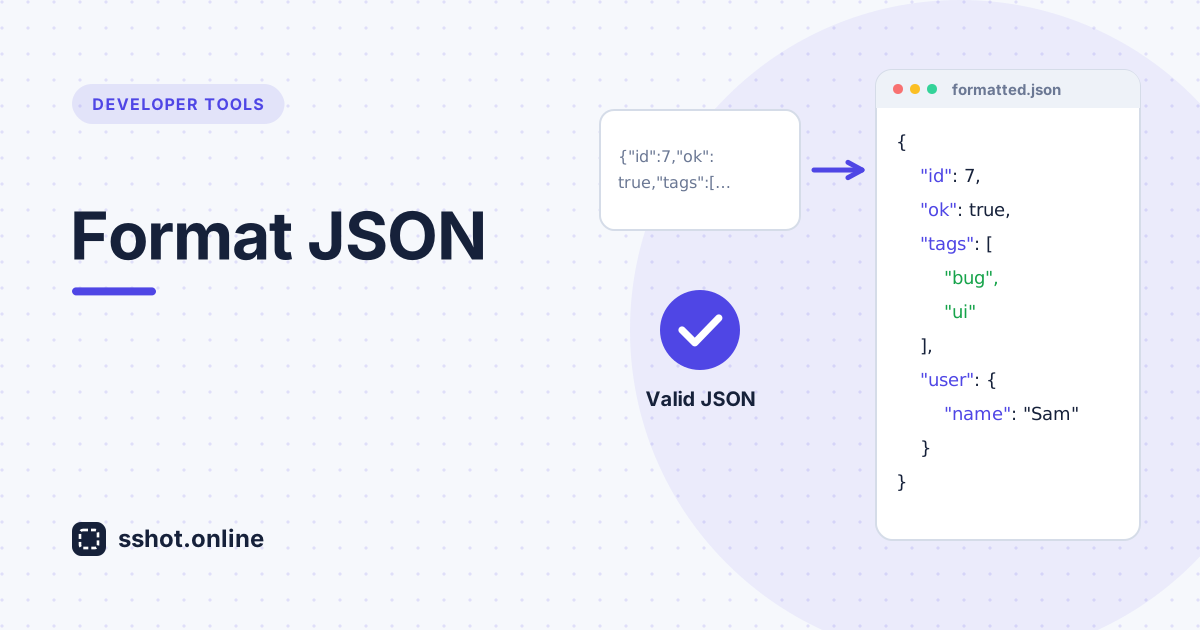
How to Format JSON Online
Learn how to turn messy, minified JSON into readable, indented text, and catch syntax errors along the way.
Read More →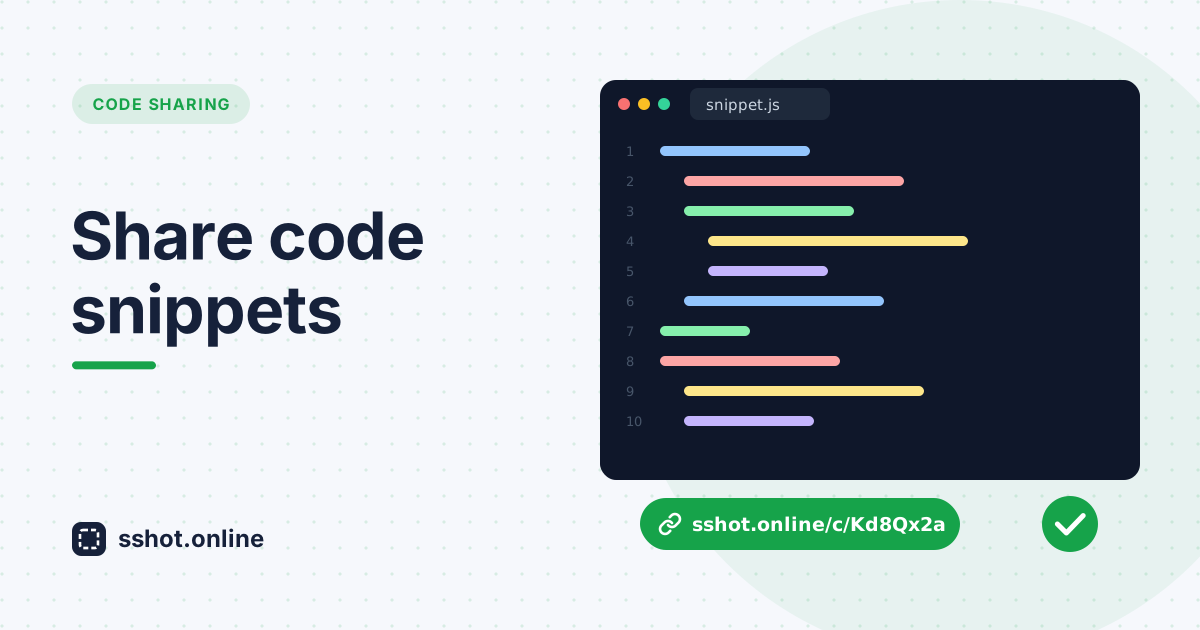
How to Share Code Snippets Online (Free, No Signup)
Paste a code snippet and get a shareable link in seconds — line numbers, a raw view, and no account. The fastest way to share code online.
Read More →