What Happens When You Paste a Long URL into a Free Shortener
Published November 4, 2026 · 5 min read
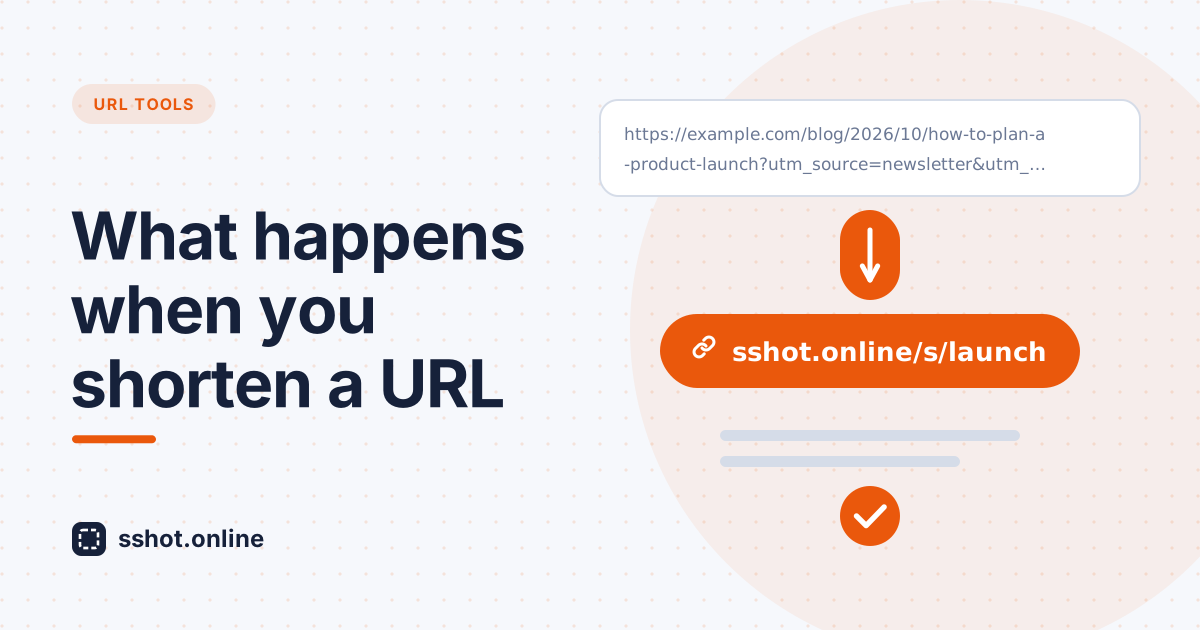
Long web addresses are hard to share. They break across lines in messages, look messy in print, and get cut off on social platforms. A free URL shortener fixes this in one step: you paste the long address, and a clean, shareable link appears instantly.
This guide explains what actually happens behind the scenes when you paste a long URL into a free shortener, why the result is easier to share, and how to use short links well.
What happens, step by step
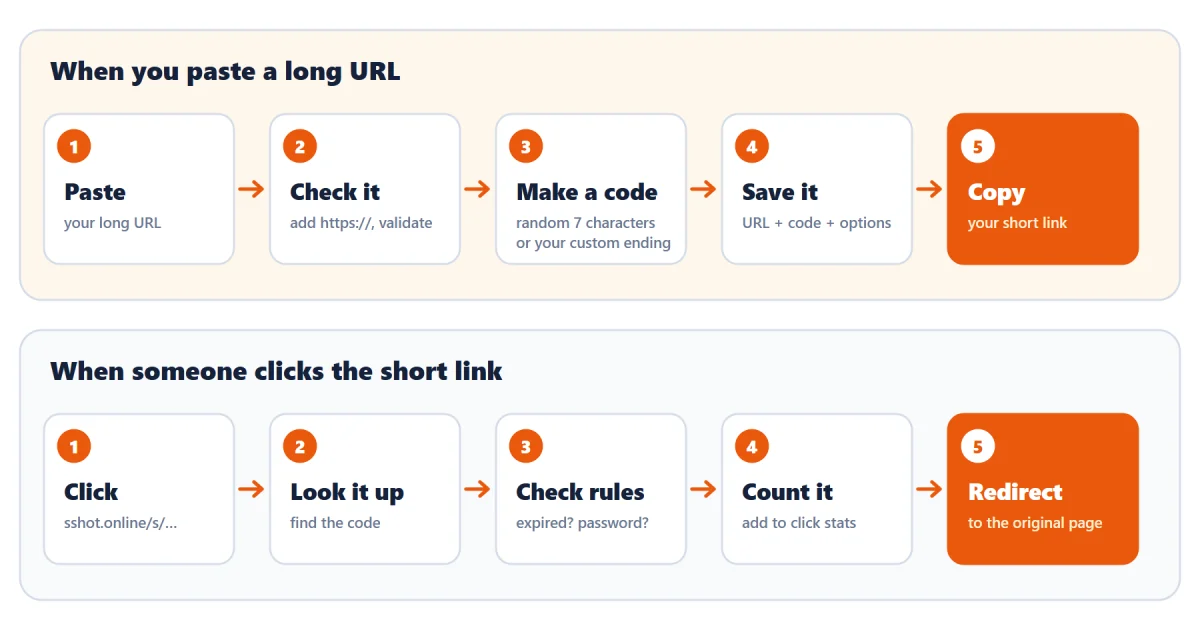
When you paste a long URL
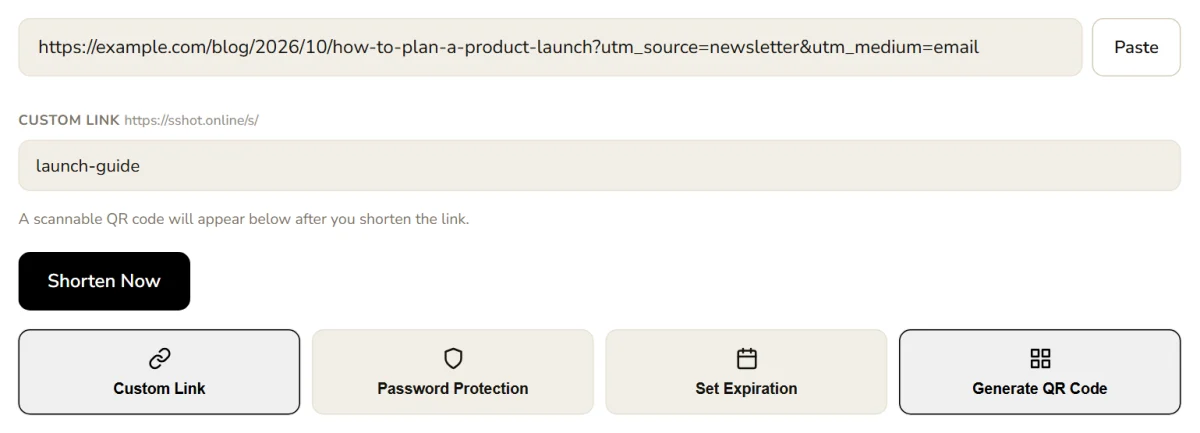
Here's what the sshot.online URL shortener does in the second after you click Shorten Now:
- It checks the address. If you pasted a bare domain like
example.com/page, it addshttps://for you, then makes sure the result is a valid web address. - It looks for an existing short link. If the exact same URL has already been shortened without any extra options, you get that same short link back instead of a duplicate.
- It creates a short code. A random 7-character code is generated, such as
Kd8Qx2a. The characters are chosen to avoid lookalikes (no0,O,1, orl), so the link is easy to read and type, and there are over a trillion possible combinations. If you turned on Custom Link, your own ending is used instead, such as/s/spring-sale. - It saves the link. The original URL is stored next to its code, along with any options you chose: a password (stored only as a secure hash, never as plain text) or an expiry time.
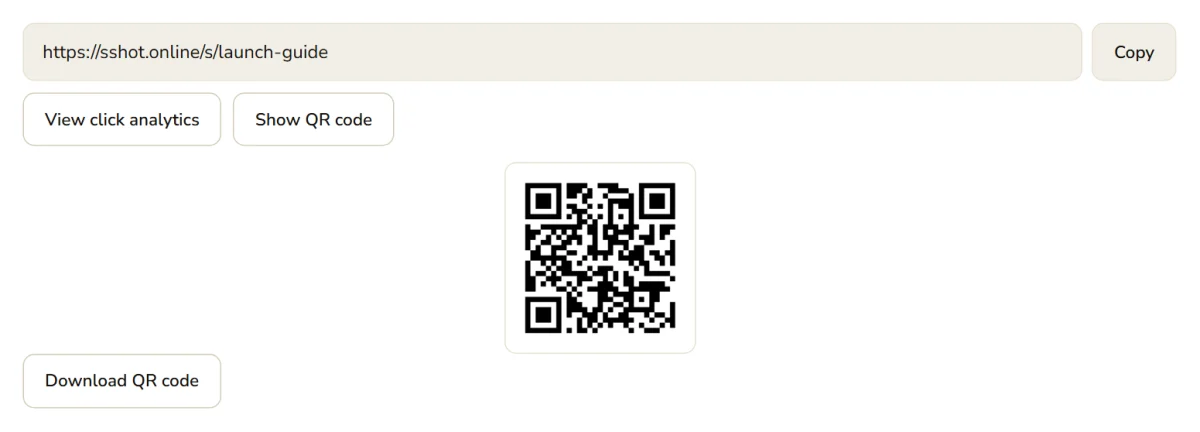
- It shows your short link, ready to copy, plus a QR code and a private link to its click stats.
When someone clicks the short link
- The code is looked up. The part after
/s/is matched against the saved links. An unknown code shows a "not found" page. - Any rules are checked. If the link has expired, the visitor sees a "This link has expired" page. If it's password protected, they're asked for the password first.
- The click is counted for the link's stats page.
- The visitor is redirected to the original page, in a fraction of a second. They land exactly where you intended.
The short link is a signpost, not a copy of the page. Nothing about the destination is stored except its address, so the page itself always loads from its own website.
Why short links make sharing easier
- They fit. Messaging apps, posts with character limits, slides, and printed materials all have room for a short link.
- They survive copying. A long address is easy to mistype or truncate. A short code gets from one screen to another much more reliably, and can even be read out loud.
- They can say what they're for. A custom ending like
/s/spring-saletells readers what to expect, which a random string of characters can't.
One thing to keep in mind: a short link hides its destination, so readers have to trust the sender. Adding a few words of context in your message, or using a descriptive custom ending, helps people click with confidence.
What to check before sharing
- Open it yourself. Click the short link and confirm it lands on the right page.
- Check the original address. Make sure it's complete and doesn't include private details such as login tokens, session IDs, or personal information. Anyone with the short link reaches the full URL.
- Test on your phone if you're sharing it widely, to confirm it works across devices.
Tips for using a free URL shortener well
- Keep a list. Save important short links in a spreadsheet with the original address, where you shared it, and its stats link beside them.
- Bookmark the stats page. There's no account, so the private stats link you get when creating a link is the only way back to its click count.
- Shorten only where it helps. Use short links where length causes real problems: chat, social posts, print, and QR codes.
- Review links now and then. Make sure the destination pages are still live and relevant.
Conclusion
Pasting a long URL into a free shortener turns a messy address into a clean, shareable link in seconds. The shortener checks and saves the original address under a short code, and every click is redirected straight to the right page. Check your links before you share them, keep a simple record of what you create, and use short links where length causes trouble.
Shorten your first link now. It's free, with no signup.
Frequently asked questions
Is a free URL shortener safe to use?
Reputable shorteners are safe when used responsibly. Check that the short link leads where you expect before sharing it, and don't shorten links that contain private or sensitive information.
Does the short link expire?
Not unless you want it to. sshot.online short links never expire by default. You can optionally set one to stop working after 1 hour, 1 day, 7 days, or 30 days.
Can I shorten any long URL?
Any standard web address can be shortened. If you leave off https://, it's added
automatically. Open the short link once to confirm it works.
Will people know they are clicking a shortened link?
Yes, the link looks different from the original. Add context in your message, or use a descriptive custom ending, so readers know what to expect.
Do I need an account to shorten a link?
No. Shortening is free and needs no signup, including custom links, passwords, expiry, QR codes, and click stats.
Related articles
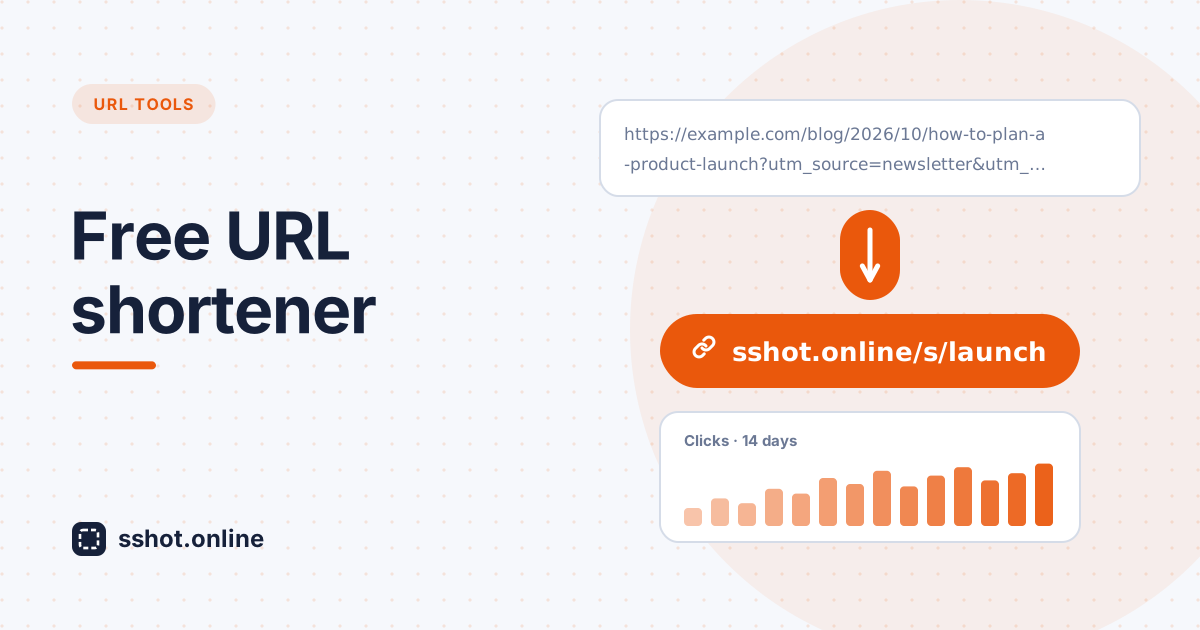
Best Free URL Shortener Tool (No Signup, Unlimited, No Expiry)
What to look for in the best free URL shortener: no signup, unlimited links, no expiry, plus free custom links, QR codes, and click stats.
Read More →
Why Short Links Look More Trustworthy (and Get More Clicks)
Long URLs full of tracking parameters look suspicious. Here is why a clean short link earns more trust and clicks — and how to make one free.
Read More →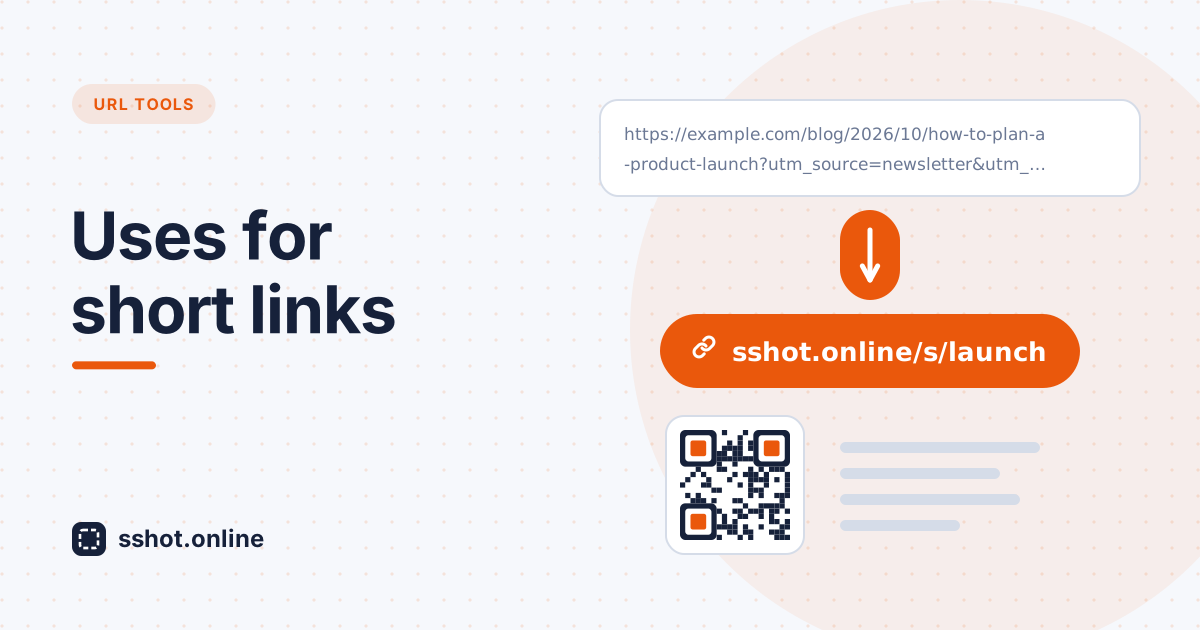
10 Practical Uses for a URL Shortener (Beyond Social Media Bios)
A short link is not just for Twitter bios. Here are ten everyday situations where a clean, short URL makes life easier.
Read More →