Best Free URL Shortener Tool (No Signup, Unlimited, No Expiry)
Published October 17, 2026 · 7 min read
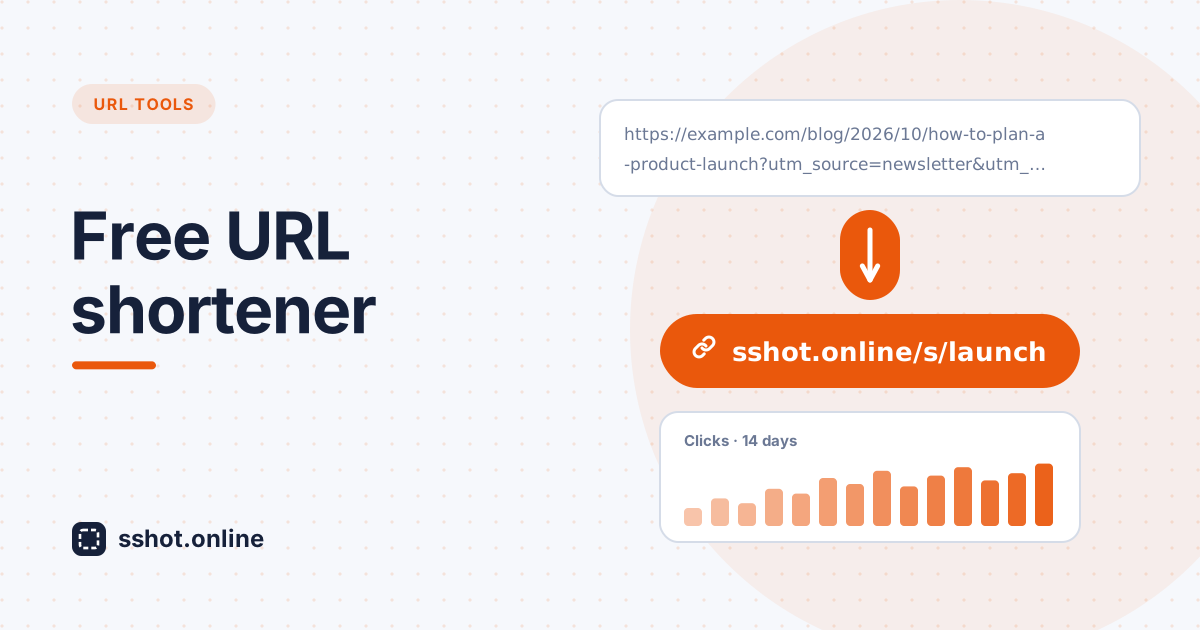
Long, complicated URLs clutter your communication. When you share links on social media, in email, or in messaging apps, unwieldy web addresses look unprofessional and eat up valuable character space. Yet many people put up with them, because most URL shorteners demand a signup, charge fees, or cap how much you can use them.
The best free URL shortener removes all of that: no signup, unlimited links, no expiry dates, and no hidden fees. For social media managers, content marketers, agencies, and anyone who shares links regularly, an unlimited URL shortener makes distributing content simpler. Short links look professional, fit within character limits, are easier to read out loud, and can show you how many people actually clicked.
That's the idea behind the sshot.online URL shortener: a free tool that removes barriers instead of adding them.
Why traditional URL shorteners create problems
- Mandatory accounts. Many shorteners make you register, confirm an email address, and set a password before you can shorten a single link. For occasional users that friction is completely unnecessary.
- Paywalls for basics. Unlimited links, analytics, or custom links are often split into paid tiers, turning something simple into a series of upgrades.
- Links that stop working. Some free plans expire links or disable them when a subscription lapses. People clicking an old link in a blog post or printed flyer hit an error page, and your campaign quietly breaks.
- Artificial caps. A limit of a handful of free links per month forces you to pay or wait, for a service that costs very little to provide.
A good free URL shortener fixes every one of these. Link shortening should be instant, free, and free of arbitrary restrictions.
Why URL shortening matters
- Saves space. On platforms with character limits, cutting an 80-character link down to about 25 leaves room for your actual message.
- Looks cleaner and more trustworthy. Compare
https://example.com/blog/social-media-marketing-guide-for-small-businesses?utm_source=newsletter&utm_medium=email&utm_campaign=springwithsshot.online/s/smm-guide. The short version is far easier to read and click. - Shows engagement. Click counts tell you which content your audience actually responds to.
- Works better on mobile. Long URLs wrap awkwardly across lines on small screens. Short links stay tidy.
- Easy to say and print. A short link can be read out on a podcast or printed on a flyer, and people can actually type it in. Add a QR code and they can just scan it.
The best free URL shortener: what makes it stand out
- Genuinely free. No signup, no trial that turns into a paid plan, no hidden payments.
- Unlimited shortening. No daily, monthly, or yearly cap. Shorten as many links as you need.
- No expiry by default. A link you shorten today keeps working years from now, which matters for blog posts, documentation, and printed material.
- Useful features without a paywall. On sshot.online, every one of
these is free:
- Custom links: choose your own ending, such as
/s/spring-sale, instead of a random code. - Click analytics: a private stats page with total clicks and a 14-day trend.
- QR codes: a downloadable QR code for every short link.
- Password protection: only people with the password can open the link.
- Optional expiration: when you want a link to stop working, set it to expire after an hour, a day, a week, or a month.
- Custom links: choose your own ending, such as
- Respects privacy. No account means no email address or profile to hand over in the first place.
How to use a free link shortener effectively
There's no learning curve. Paste your long URL into the shortener, click Shorten, and copy your short link. That's it.
- Use a custom link when people will see or type it. A readable ending like
/s/social-guideis easier to remember and looks more professional than a random string. Custom links can use 3 to 32 letters, numbers, hyphens, and underscores. - Save your stats link. When you create a new short link, you also get a private link to its analytics page. There's no account to log back into, so bookmark it or keep it somewhere safe; anyone with that link can see the stats.
- Add tracking parameters before shortening. If you use Google Analytics, add UTM parameters to the long URL first. The short link hides them, and your analytics tool shows which campaign each visit came from.
- Use the QR code for anything offline. Posters, packaging, slides, and business cards all work better with a scannable code.
The no-signup advantage
A URL shortener with no signup respects your time. You don't need another account, another password, or another marketing email list you never asked to join.
That suits occasional users perfectly: someone who shortens a link now and then would never bother creating accounts on several services. It also suits busy teams already juggling dozens of tools: anyone can use the shortener whenever they need it, with no onboarding. And because you never hand over an email address, there's simply less personal data involved.
Getting the most from your free URL shortener
- Keep a simple log. A spreadsheet with the short link, the original URL, where you shared it, and the stats link makes it easy to find and reuse links later.
- Check your clicks. If one link gets far more clicks than the others, that content is worth building on.
- Share widely. Email, social posts, chat apps, print, and podcasts all benefit from short links.
- Test your messaging. Try different wording around your links and compare the click counts to see what actually convinces people to click.
Conclusion
The best free URL shortener frees you from unnecessary complications: no signup blocking your workflow, unlimited shortening, links that don't expire unless you want them to, and useful features without payment pressure.
For anyone sharing links online, a good free link shortener quickly becomes indispensable. Your links look cleaner, your audience gets tidy URLs, and your click counts show what's working, all without paying anything or creating another account. Shorten your first link now.
Frequently asked questions
Why should I use a URL shortener instead of sharing links directly?
Short links save space on social media, look cleaner, display better on mobile, are easier to read out loud or print, and can show you how many people clicked.
Is sshot.online really free and unlimited?
Yes. There's no signup, no paid plan, and no cap on how many links you can shorten. Links don't expire unless you choose an expiration time when creating them.
Are free URL shorteners safe to use?
Reputable ones are. sshot.online needs no personal information and serves every link over HTTPS. As a visitor, be cautious with short links from people you don't know, since a short link hides where it leads.
Can I customize my shortened links?
Yes. Turn on Custom Link and choose an ending of 3 to 32 letters, numbers, hyphens, or underscores. If you leave it blank, a random short code is generated for you.
Can I track link performance?
Yes. When you create a new short link, you get a private stats page showing total clicks and a 14-day click trend. Bookmark it, because there's no account to find it again.
What happens to my links if a shortener shuts down?
Every link shortener carries this risk. Keep a record of the original long URLs for important links so you can replace short links quickly if you ever need to.
Related articles
How to Shorten a Long URL
Learn why long URLs can be difficult to share and how a URL shortener can turn them into shorter, cleaner links.
Read More →
10 Practical Uses for a URL Shortener (Beyond Social Media Bios)
A short link is not just for Twitter bios. Here are ten everyday situations where a clean, short URL makes life easier.
Read More →
Why Short Links Look More Trustworthy (and Get More Clicks)
Long URLs full of tracking parameters look suspicious. Here is why a clean short link earns more trust and clicks — and how to make one free.
Read More →