No Signup, Ever: The Frictionless Way to Share Screenshots
Published October 17, 2026 · 6 min read
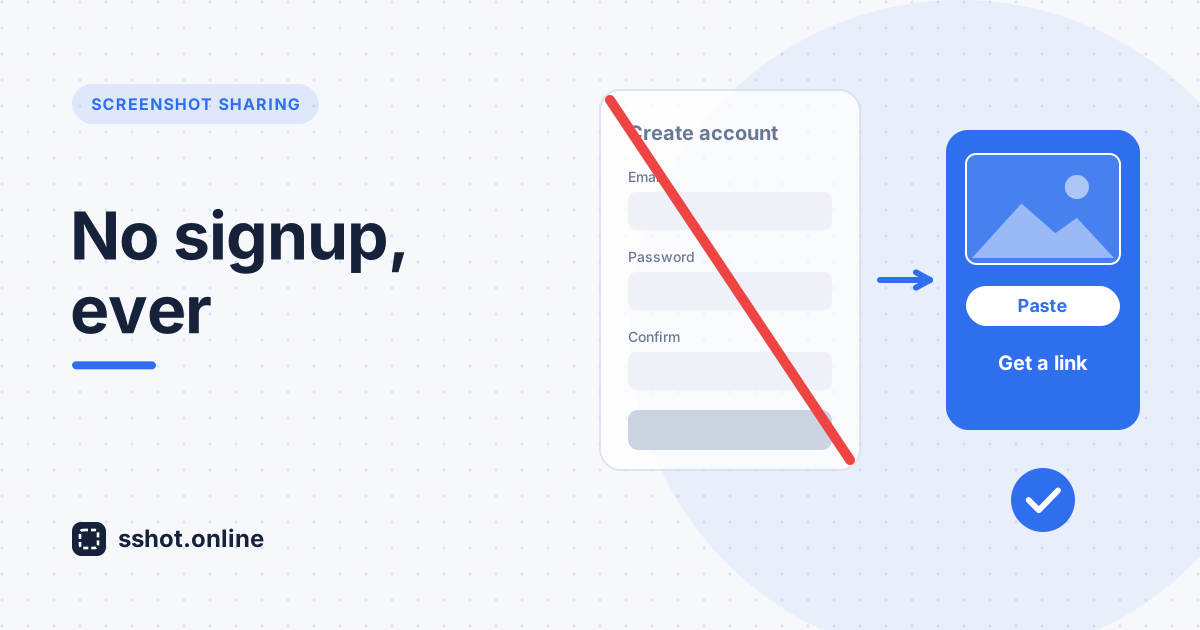
The modern workplace runs on speed. When you need to share a screenshot with your team, you need to do it now, not after filling out a registration form. That's where instant screenshot sharing changes everything. The best tools understand a simple truth: a good product doesn't need friction to work.
For years, screenshot sharing meant trading convenience for functionality. Create an account. Confirm your email. Remember another password. Navigate a cluttered interface. A five-second task turned into a five-minute chore. Modern teams are done with that.
Frictionless screenshot sharing works differently. Capture your screenshot, get a link, share it. No account, no registration, nothing standing between you and the person you're sending it to.
Why signup requirements kill productivity
- Lost time adds up. Every extra step between capture and sharing is time lost, multiplied across everyone on the team.
- More accounts, more risk. Every signup is another password to manage and another set of personal details stored somewhere. A simple screenshot tool shouldn't need either.
- People give up. Many won't finish a registration form at all. They fall back on email attachments instead, and the old habits stick around.
- It's awkward for outsiders. Asking a client or partner to create an account just to view one screenshot feels unnecessarily formal. With zero friction sharing, internal and external people get the same experience.
Instant screenshot sharing: how it works
Instant screenshot sharing with no signup is simple by design:
- Capture. Take a screenshot with your usual tool, or use the sshot.online browser extension to select a region and annotate it.
- Upload. Paste (Ctrl+V) or drop it on sshot.online. It uploads in about a second.
- Share. Copy the short link and send it anywhere.
That's it. No account creation, no password, no onboarding. Three steps, a few seconds, done. sshot.online is built around that idea: no "features" that only slow you down.
The zero friction advantage
When a tool doesn't require signup, people actually use it. Teams start sharing screenshots for things that used to need a meeting or a long email, and the low barrier means adoption spreads on its own.
- Support teams share solutions instantly, without account limits.
- Developers document bugs with visual evidence without waiting for anyone to grant access.
- Marketing teams collect feedback on campaign drafts by dropping a link in chat.
There's a privacy upside too. With no accounts, there are no user passwords or profiles to store, and nothing tying an upload to your name or email address. Each screenshot gets a random, unlisted link, and there is no public gallery to browse.
Free screenshot sharing, no signup: accessible to everyone
Free screenshot sharing with no signup is a commitment to accessible tools. Good tools shouldn't hide behind subscription walls or account creation. Anyone can use sshot.online immediately: small teams on tight budgets, solo freelancers, large companies working across regions, and startup founders shipping their first product.
It's especially handy in education. Teachers can share annotated screenshots with students, researchers can trade visual evidence with collaborators, and students can include screenshots in their work without involving the IT department.
Screenshot sharing with no account, in practice
Real workflows show why it matters. A developer sends a screenshot of an error. A designer shares a mockup with a client. A project manager drops an annotated screenshot into a status update. A support agent shows a customer exactly where to click. None of them need an account, and neither do the people opening the links.
For remote teams working across time zones and organizations, that simplicity matters. Send a link, your colleague opens it, the conversation moves on. And there's a quieter benefit: people appreciate tools that respect their time. A service that just works, without asking for your email first, earns goodwill and word-of-mouth.
Adding instant screenshot sharing to your workflow
Getting started takes no setup at all. Open the site or install the extension, capture a screenshot, copy the link, and share it wherever you already work: Slack, Microsoft Teams, email, documentation, or a ticket. Every upload also gets a direct image link for embedding in Markdown, wikis, and forums.
Since there's no account, there's also no history page. Keep the links you want to reuse, for example in the ticket, doc, or chat thread where you shared them, or in a bookmark.
Conclusion
Instant screenshot sharing is how teams communicate visually today. No signup, a zero friction workflow, and free access mean a good tool is available to everyone, right away. No gatekeeping behind accounts or subscriptions, and nothing between you and sharing your work.
sshot.online shows that screenshot sharing doesn't need accounts or signup forms. Share your next screenshot in seconds, and see how much faster your workflow gets.
Frequently asked questions
Is screenshot sharing without an account private?
Each sshot.online upload gets a random, unlisted link served over HTTPS, and there's no public gallery or search. However, anyone who has the link can view the image, so don't upload screenshots containing passwords, financial details, or other sensitive information.
Can I delete a screenshot after sharing it?
Because there are no accounts, there's no self-service delete button. If you need an upload removed, contact us and include the link.
What happens to my screenshots if I don't create an account?
They stay online and the link keeps working. There's no account history, so save or bookmark any links you want to find again.
Does instant screenshot sharing work for team collaboration?
Yes. Share the link through Slack, Microsoft Teams, email, or any tool your team uses. Everyone can open it instantly without creating an account.
Are there limits to free screenshot sharing with no signup?
sshot.online is free with no signup. Each image can be up to 3 MB, which comfortably covers normal screenshots.
Related articles
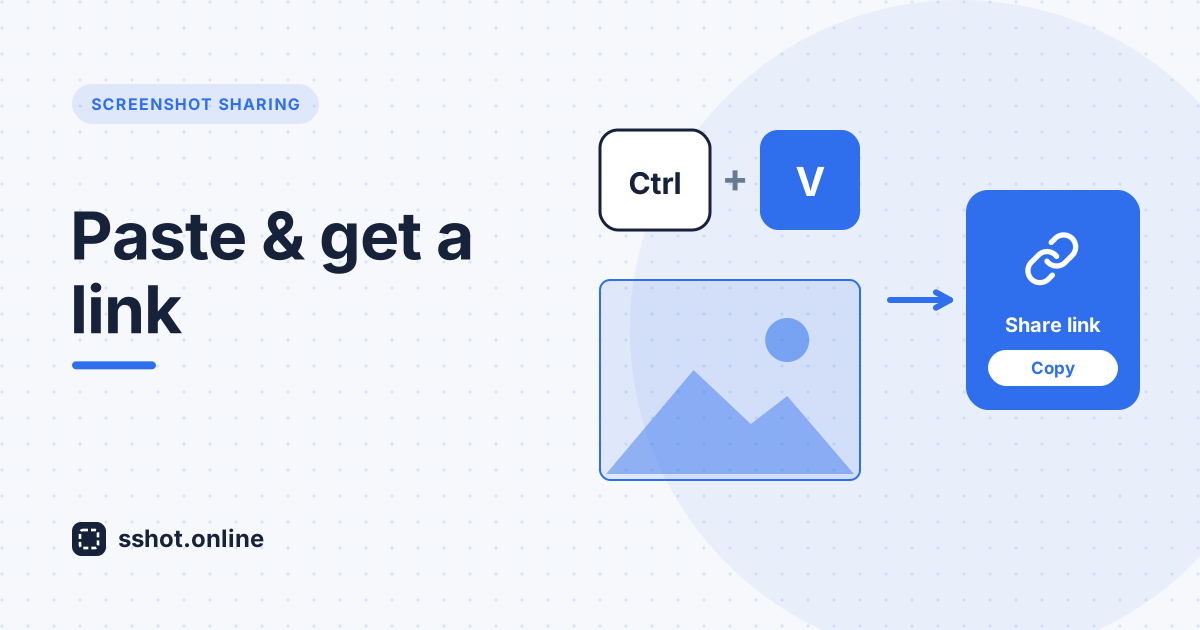
How to Paste a Screenshot and Get a Link Instantly
Copy a screenshot, paste it, get a shareable link — no saving files, no upload dialog. The fastest way to turn a screen grab into a URL.
Read More →
Best Free Image Hosting With No Signup (2026)
What to look for in a no-account image host — and how sshot.online compares to Imgur, Lightshot, and prnt.sc.
Read More →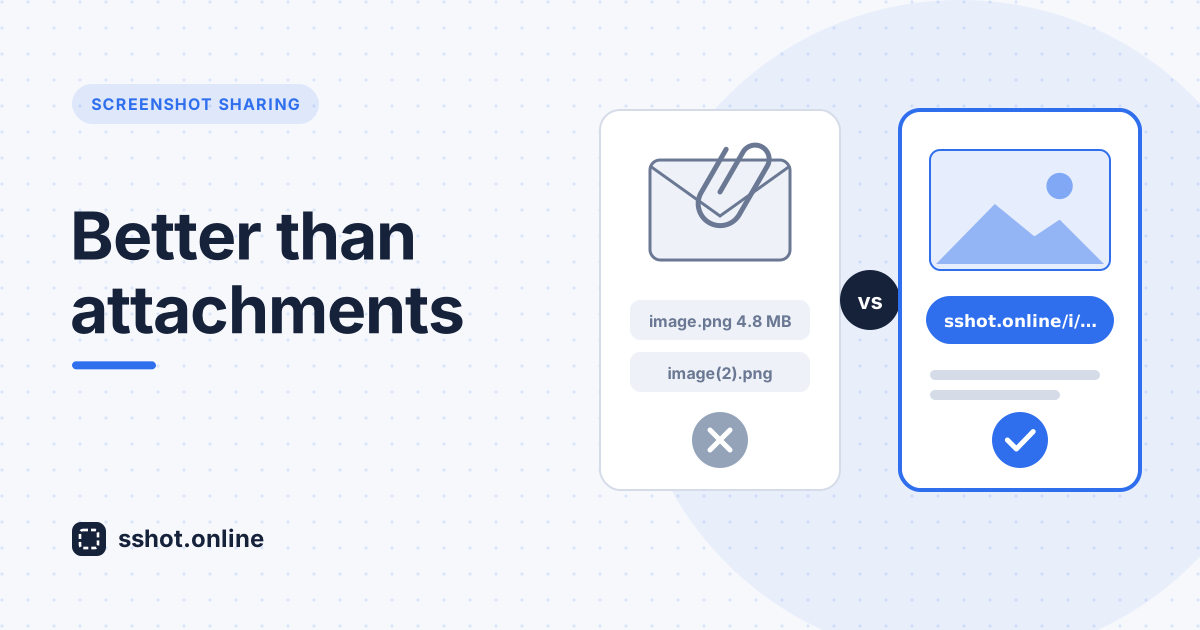
Why Screenshot Sharing Is Better Than Email Attachments
Discover why sharing a screenshot link beats sending email attachments, and the best way to share screenshots with your team.
Read More →