Bulk URL Slug Generator: Process Multiple Titles at Once
Published October 17, 2026 · 6 min read
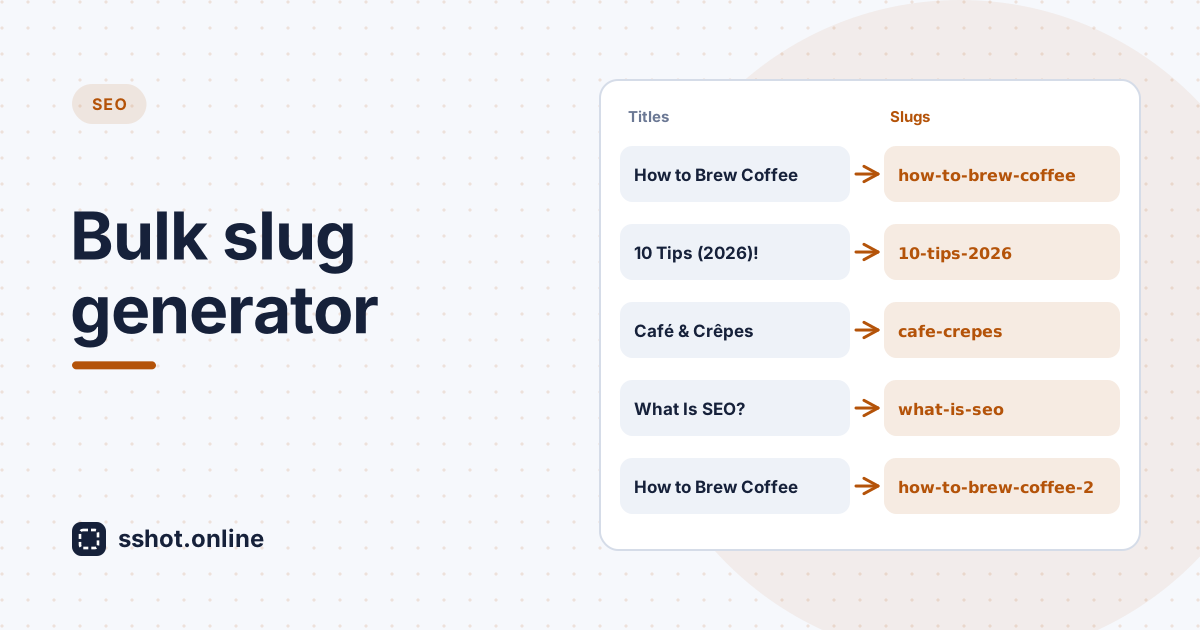
Content at scale needs efficient workflows. When you publish dozens or hundreds of articles a month, creating every URL slug by hand gets slow and error-prone. A bulk URL slug generator fixes that. Instead of converting slugs one at a time, a batch slug generator turns a whole list of titles into slugs in one go.
For marketing teams, content agencies, and publishers handling large volumes of content, bulk processing is what separates a useful tool from a tedious one. The sshot.online URL Slug Generator handles both: a single box for one-off slugs, and a bulk mode for converting multiple titles at once, free and with no signup.
Why bulk processing matters for content teams
Picture a typical scenario. Your marketing team is launching a campaign with fifty new blog articles, and each one needs a clean, SEO-friendly slug. Done by hand, that's fifty separate rounds of typing, checking, and fixing, which is easily an hour or more of repetitive work.
With a bulk URL slug generator, you paste the fifty titles, and fifty slugs appear instantly, ready to publish. What took an hour takes a minute.
Bulk generation also guarantees consistency. When every title goes through the same batch slug generator, every slug follows identical rules: no stray capital letters, no mix of underscores and hyphens, no one-off judgment calls that differ from slug to slug. Your whole content library ends up with one uniform URL style.
It helps teams coordinate too. One person can generate slugs for a full month's content calendar at once and share the list, so everyone publishes with the same agreed URLs and nobody discovers inconsistent slugs after articles go live.
How a bulk slug generator works
- Paste your titles. Put one title per line. You can copy a column straight out of a spreadsheet, a content calendar, or a list of headings.
- Every title is converted using the same rules. Text is lowercased, spaces
become hyphens, accents are stripped (so "Café" becomes
cafe), and punctuation and symbols are removed. - Apply options to the whole batch. Optionally remove common stop words like "a", "the", and "of", or set a maximum length that applies to every slug.
- Duplicates are handled. If two titles produce the same slug, the later
ones get
-2,-3, and so on, so every slug in the batch is unique. - Copy or export. Copy all slugs at once (one per line, in the same order as
your titles), or download a CSV with
titleandslugcolumns that opens in Excel or Google Sheets.
The output updates live as you type or paste, and everything runs in your browser, so your titles are never uploaded anywhere.
Example
| Title | Slug |
|---|---|
| How to Brew Perfect Coffee | how-to-brew-perfect-coffee |
| 10 Content Marketing Tips (2026 Edition)! | 10-content-marketing-tips-2026-edition |
| Café & Crêpe Recipes | cafe-crepe-recipes |
| How to Brew Perfect Coffee | how-to-brew-perfect-coffee-2 |
Benefits of batch slug generation
- Time back. Hours spent on repetitive slug formatting go back to strategy and writing.
- Consistency. One set of rules for every slug means a uniform, professional-looking URL structure across your site.
- Scalability. Publishing twice as much content doesn't mean twice as much slug work. The batch takes the same minute whether it has ten titles or two hundred.
- Accuracy. No mistyped characters, no forgotten hyphens, and no tired decisions late in a long list.
- Easy hand-off. A CSV of titles and slugs drops straight into a spreadsheet, a content calendar, or a CMS import.
Adding bulk slug generation to your content operations
There's nothing to set up. Copy your titles from wherever you manage them, paste them into the bulk slug generator, then copy the slugs or download the CSV and bring them back into your workflow.
Check what your CMS already does, too. WordPress, Drupal, and most other platforms generate a slug from each title automatically when you publish. That's fine for one post at a time, but when you're planning a batch in advance, migrating content, or preparing a CSV import, a bulk tool lets you review and agree on every URL before anything goes live.
It's worth writing down a few house rules so everyone uses the bulk converter the same way. Do you remove stop words? Is there a maximum length? Do years belong in slugs? Agree once, and every batch will match.
Tips for better bulk slugs
- Clean up titles first. Remove series prefixes like "Part 3:" or internal notes before pasting, or they'll end up in the slug.
- Use a length cap. Around 50 to 60 characters keeps long headlines from producing unwieldy URLs.
- Watch the duplicates. If you see
-2or-3, two titles are too similar. It's usually better to reword one than to publish near-identical URLs. - Review before publishing. A generator applies rules, not judgment. Skim the list and shorten any slug that's still wordy.
Conclusion
A bulk URL slug generator is essential kit for any team publishing at volume. Batch slug generation brings speed, consistency, accuracy, and scale that one-at-a-time slug creation can't match. Hours of repetitive work shrink to minutes, and your whole content library keeps a clean, uniform URL structure.
Try the free bulk slug generator: paste your titles, get your slugs, and get back to the work that matters.
Frequently asked questions
How many slugs can I generate at once?
There's no fixed limit. The sshot.online bulk slug generator runs in your browser and converts lists of hundreds or thousands of titles instantly.
What input format does the bulk slug generator accept?
Plain text with one title per line. To convert a column from a spreadsheet or CSV, copy
the column and paste it in. Results can be copied one per line or downloaded as a CSV
with title and slug columns.
Can bulk slug generation handle special characters in titles?
Yes. Punctuation and symbols are removed and accented letters are converted to plain
ones, so "Café" becomes cafe, consistently across the whole batch.
Characters from non-Latin scripts such as Arabic, Chinese, or Cyrillic are
removed.
Do bulk-generated slugs keep the keywords from each title?
Yes. Each title is converted on its own, so its words are kept in the slug. Only stop words are dropped, and only if you turn that option on.
Can I edit bulk-generated slugs before publishing?
Yes. Download the CSV and adjust any slug in Excel or Google Sheets, or copy the list into any editor before adding the slugs to your CMS.
Related articles
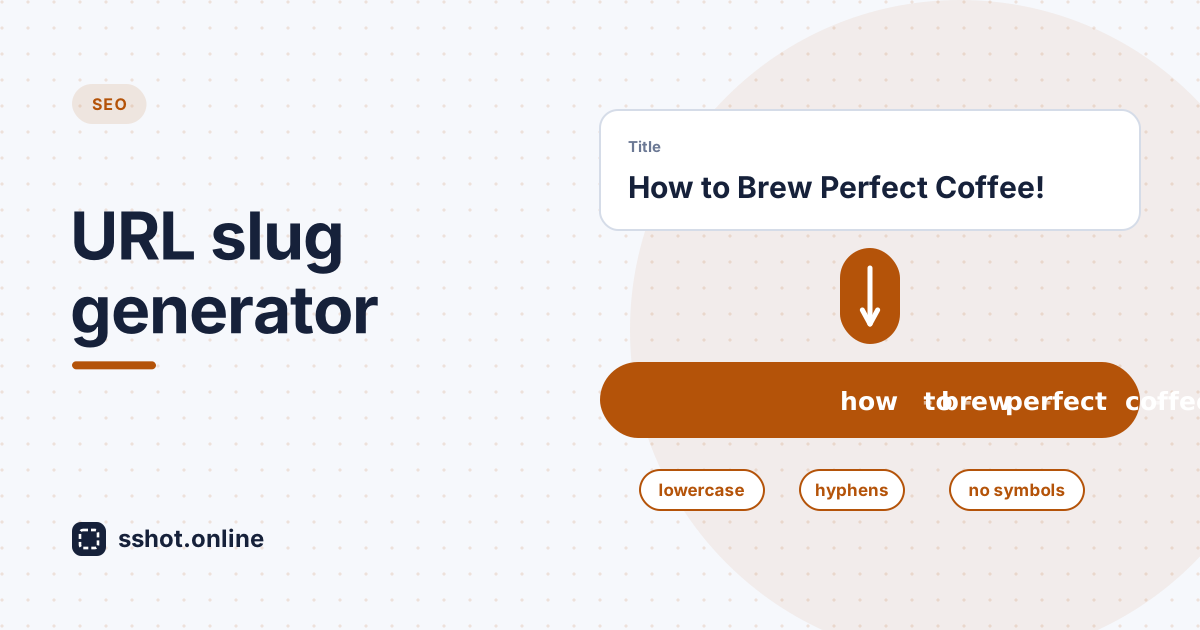
URL Slug Generator: Free Tool to Create Perfect Slugs in Seconds
How a free URL slug generator creates clean, consistent, SEO-friendly slugs in seconds, plus the slug best practices worth following.
Read More →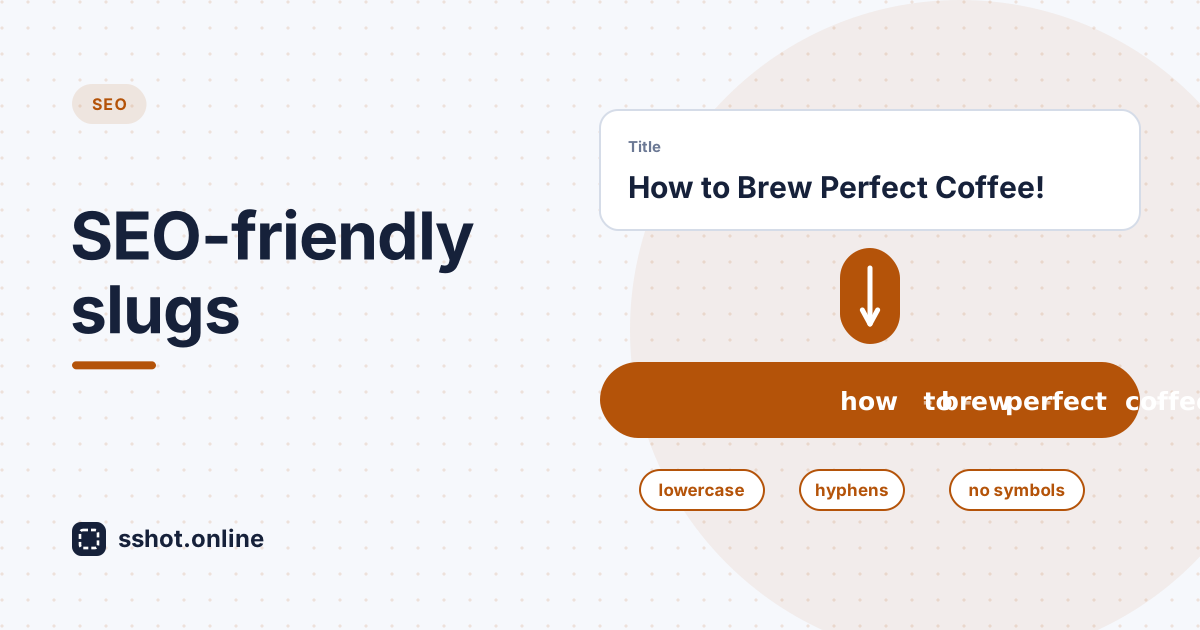
How to Create an SEO-Friendly URL Slug
Learn what makes a good URL slug and how to turn a title into a clean, readable, lowercase web address.
Read More →
How to Encode and Decode URLs
Understand what URL encoding does, when you need it, and how to convert text to and from a URL-safe format.
Read More →