URL Slug Generator: Free Tool to Create Perfect Slugs in Seconds
Published October 17, 2026 · 6 min read
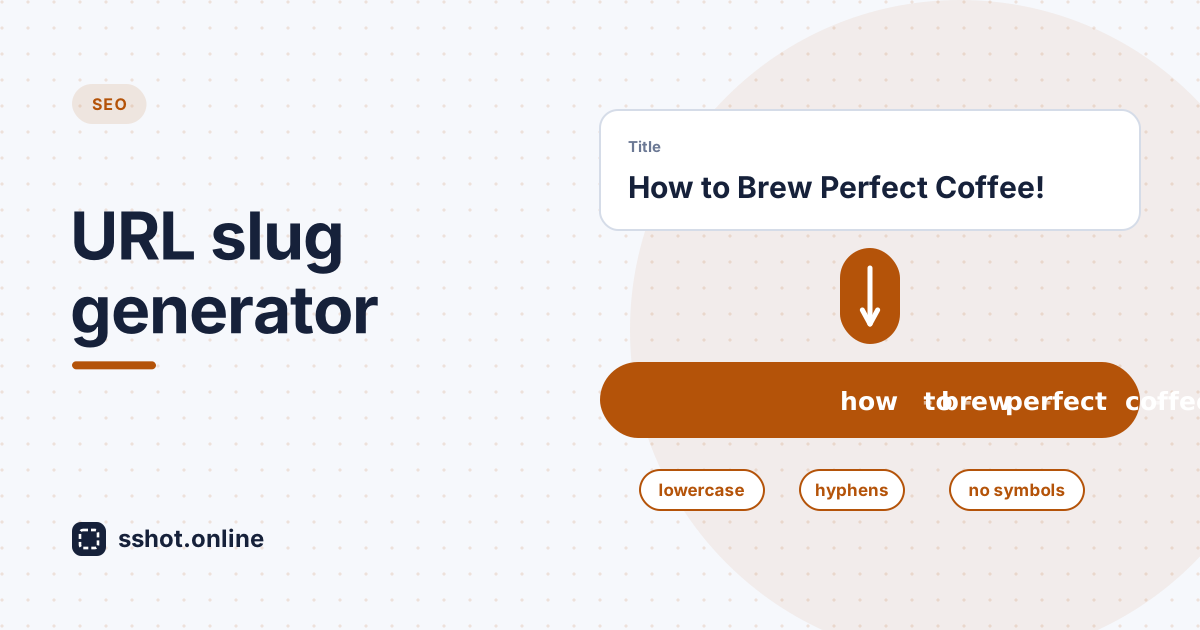
Anyone serious about search engine optimization knows that URL structure matters. Search engines read the words in your URLs as a hint about what a page covers, and a slug that clearly describes the content helps both search engines and people understand it at a glance. Creating good slugs consistently, though, means keeping several technical and SEO rules in mind at once. That's exactly where a free URL slug generator earns its place.
Writing slugs by hand means retyping titles and hoping they come out right: deciding about capital letters, punctuation, numbers, and word spacing every single time. A slug generator tool removes those decisions by applying the same proven rules automatically. For bloggers, content marketers, developers, and business owners, it's one of those rare tools that delivers real value without costing anything.
Understanding URL slugs and their SEO impact
A URL slug is the readable part of a web address that identifies a specific page, usually the
last segment after the domain. For an article about coffee brewing, the URL might be
yoursite.com/how-to-brew-perfect-coffee, and the slug is
how-to-brew-perfect-coffee.
- Search relevance. A descriptive slug gives search engines extra context
about the page. Vague slugs like
article123orpagetell them nothing. - User trust. A clean, readable URL in the address bar or a search result suggests a well-made page. A URL full of symbols and random characters creates doubt.
- Better sharing. When people paste your link into a chat or social post, the slug is right there. A descriptive one makes the link more inviting to click.
The problem with manual slug creation
Writing slugs by hand invites inconsistency and small mistakes:
- One page uses underscores, another uses hyphens, and a third mixes capital letters, so the site looks messy and some URLs end up reachable under more than one spelling.
- Stray punctuation, accented letters, or symbols turn into percent-encoded characters like
%C3%A9that look broken when shared. - Spaces left in a slug get encoded as
%20, producing ugly or broken links. - Every slug becomes a fresh decision, which wastes time and drifts over a site with hundreds of pages.
How a free URL slug generator simplifies optimization
A free URL slug generator automates the whole job. Type or paste your page title, and the tool instantly turns it into a properly formatted slug, applying the same rules every time. The sshot.online URL Slug Generator works like this:
- Lowercase everything, so there's only ever one version of each URL.
- Replace spaces with hyphens, the word separator search engines recommend.
- Strip accents, so "Café" becomes
cafeinstead of an encoded character. - Remove punctuation and symbols such as
!,?,&, and quotes, and collapse repeated hyphens. - Optionally remove stop words like "a", "the", "and", "of", and "to" for a shorter, more focused slug.
- Optionally cap the length, trimming cleanly so the slug never ends in a hyphen.
The slug updates live as you type, and everything runs in your browser, so nothing you enter is sent anywhere. Writing a slug by hand might take a minute of typing and checking; the generator does it in a second. Across a content team publishing dozens of articles a month, that adds up to real time back for writing.
Examples
| Title | Generated slug |
|---|---|
| How to Brew Perfect Coffee | how-to-brew-perfect-coffee |
| How to Brew Perfect Coffee (stop words removed) | how-brew-perfect-coffee |
| 10 Content Marketing Tips (2026 Edition)! | 10-content-marketing-tips-2026-edition |
| Café & Crêpe Recipes | cafe-crepe-recipes |
Best practices for URL slugs that perform
- Be descriptive but concise. Include your main keyword naturally.
how-to-brew-coffeebeatshow-to-brew-the-perfect-coffee-that-will-improve-your-mornings. - Use lowercase only. Mixed case creates URL variations and looks careless.
- Use hyphens, not underscores. Google treats hyphens as word separators, so each word in the slug is read on its own.
- Keep it short. Short slugs are easier to read, share, and remember. Many SEOs aim for roughly 50 characters or fewer; the generator's max length option makes that easy.
- Skip unnecessary numbers and dates. "Top 10 content marketing tips" needs its number, but a general strategy post doesn't need a year in the slug, which only makes it look outdated later.
- Don't keyword-stuff. Repeating the same word looks spammy and doesn't help.
Adding a slug generator to your workflow
An online slug generator fits into any content process. Keep it open in a browser tab while you write, generate the slug when the title is final, and paste it into your CMS.
For teams, agreeing on one slug generator tool means everyone produces slugs the same way, so URLs stay consistent across the site no matter who published the page. Many content management systems, including WordPress, Ghost, and Shopify, create a slug from the title automatically. It's still worth reviewing it: auto-generated slugs often keep every stop word or the full length of a long title, and that's where a quick pass through a generator with stop-word removal and a length cap helps.
Measuring slug optimization impact
Do better slugs actually move rankings? A little. Google has said words in a URL are a very lightweight ranking signal, so a great slug won't rescue weak content. Its bigger value is with people: a clear, descriptive URL in a search result or a shared link makes it easier to see what the page is about before clicking, which can help click-through. Combined with solid content and other SEO work, good slugs are a small but reliable win.
Conclusion
A free URL slug generator is a simple tool that delivers real value. By automating slug creation, you save time and get slugs that are consistent, professional, and ready for search. Once you've tried both approaches, the choice between hand-typing slugs and using an online slug generator is obvious: speed, accuracy, and consistency win every time.
Try the free URL Slug Generator on your next piece of content and let the tool handle the technical details while you focus on writing.
Frequently asked questions
Do URL slugs really impact search engine rankings?
Yes, but only a little. Words in a URL are a lightweight relevance signal. A descriptive slug with your main keyword gives search engines and readers useful context, and works best combined with good content and other SEO practices.
What's the difference between a slug and a URL path?
The slug is the descriptive segment that identifies one page, such as
how-to-brew-coffee. The URL path is everything after the domain, including
any folders, such as /blog/how-to-brew-coffee. A slug generator focuses on
that descriptive segment.
Should I change existing slugs on my site?
Usually not. Changing an established slug breaks existing links unless you add a 301 redirect, and it can temporarily affect rankings. Focus on getting slugs right for new content, and only change old ones when there's a clear reason, always with a redirect.
Can a free slug generator handle special characters?
Yes. The sshot.online URL Slug Generator removes punctuation and symbols
automatically and converts accented letters to plain ones, so "Café" becomes
cafe. Check the final URL in your CMS before publishing.
Do slug generators work with different languages?
The sshot.online generator works with English and other languages written in Latin script, including accented letters. Characters from other scripts, such as Arabic, Chinese, or Cyrillic, are removed, so for those languages write the slug in Latin letters or use a tool that transliterates.
Related articles
How to Create an SEO-Friendly URL Slug
Learn what makes a good URL slug and how to turn a title into a clean, readable, lowercase web address.
Read More →
How to Encode and Decode URLs
Understand what URL encoding does, when you need it, and how to convert text to and from a URL-safe format.
Read More →
How to Shorten a Long URL
Learn why long URLs can be difficult to share and how a URL shortener can turn them into shorter, cleaner links.
Read More →