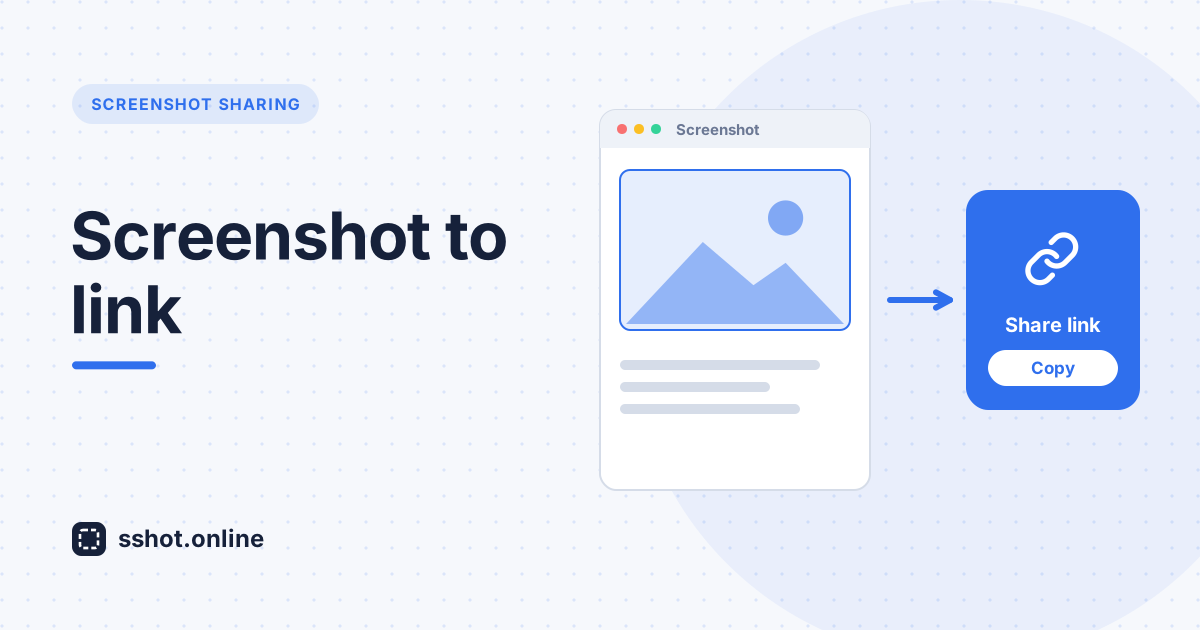
Sharing a screenshot should take seconds, not an account signup. With sshot.online you simply drag an image onto the page (or paste it with Ctrl+V) and instantly get a short link you can drop into chat, email, or a ticket.
Step by step
- Open sshot.online in your browser.
- Upload your screenshot using any of these methods:
- Drag and drop the image file onto the upload box.
- Click the upload box to browse and select a file from your device.
- Paste directly from your clipboard using Ctrl+V (or Cmd+V on Mac).
- Wait a moment while the file uploads — a progress indicator shows the status.
- Copy the generated short link using the one-click copy button.
- Share the link anywhere — chat apps, emails, support tickets, or documentation.
Supported file types
sshot.online accepts the following image formats: PNG, JPG, JPEG, GIF, and WEBP. Files up to 3 MB are supported.
Example
Say you are reporting a bug to a developer. Instead of attaching a large screenshot file to an email, you take the screenshot, paste it into sshot.online with Ctrl+V, and get a link like sshot.online/x7Ab2. You paste that single link into your bug report or Slack message — the developer clicks it and sees the image instantly, no download required.
Why use sshot.online?
- No signup or login required.
- Completely free with no usage limits.
- Fast — get a shareable link in seconds.
- Works from any device with drag-drop or clipboard paste support.
Files up to 3 MB are supported, completely free and unlimited.