Customer Support Teams: Share Solutions via SSHOT Links
Published October 17, 2026 · 7 min read

Customer support is the heart of any successful business. When customers run into a problem, they don't just want a quick answer. They want a clear solution they can actually follow. This is where help desk screenshot sharing changes everything. The best support teams have found that visual communication turns ordinary support into exceptional support.
Traditional customer support relies on written explanations. Agents type out step-by-step instructions and hope customers understand. Sometimes that works. Often it doesn't, and the customer ends up back in the queue, frustrated. A single support ticket screenshot showing exactly what to do avoids that. Modern customers expect support teams to show them solutions, not just describe them, and support with visual guides does exactly that.
The challenge with text-only support tickets
Every support professional knows the limits of text. You're explaining a multi-step process with words alone, to customers with very different levels of technical knowledge. What seems obvious to you can be confusing to someone new to the software.
Take this instruction: "Click the dropdown menu next to your profile picture, then select Settings." Sounds simple. But what if the customer's screen looks slightly different on their browser or device? What if they click the wrong menu? Now your clear instructions have created more confusion.
Support ticket screenshots fix this immediately. Show the customer exactly where to click, point to the precise button, and show what success looks like. The ambiguity disappears, because they can see it instead of imagining it.
Why help desk screenshot sharing works
- Faster understanding. People take in an image at a glance. A screenshot of the exact screen and the exact button gets the point across far quicker than a paragraph.
- Fewer follow-ups. When customers can see how to solve the problem, they don't need to write back asking for clarification. More tickets get resolved on the first reply.
- More trust. An annotated screenshot shows the agent took the time to understand the problem. It's the difference between feeling like a ticket number and feeling looked after.
Support with visual guides: implementation best practices
Visual support only works if it's fast. If capturing and sharing a screenshot takes too many steps, agents will skip it and go back to text-only replies.
- Make capture and sharing one quick motion. With the sshot.online browser extension, an agent selects a region, marks it up, and gets a link to paste into the ticket without leaving the browser.
- Always annotate. A raw screenshot helps. An annotated one helps far more. Arrows pointing to buttons, boxes around important fields, and short text labels turn a screenshot into a teaching tool. The extension includes pen, line, arrow, rectangle, highlighter, and text tools.
- Build a library for common issues. For frequent requests such as password resets, billing questions, or finding a feature, capture good annotated screenshots once, keep the links in a shared doc or your help desk's saved replies, and reuse them.
Customer support communication through visual evidence
Screenshots aren't only for explaining how your product works. They're just as useful for understanding what the customer is seeing. When someone says "it isn't working," asking for a screenshot of the problem often tells you right away whether it's a configuration issue, a browser problem, or a genuine bug. You can then reply with a fix for their actual problem instead of generic troubleshooting steps.
Customers can send you a screenshot the same way, with no account needed: paste it on sshot.online and reply with the link. That's often easier for them than working out how to attach a file in your support portal.
Support ticket screenshot best practices
- Capture the relevant interface. When helping with a setting, show the settings page with the option highlighted. Show enough of the app that the customer knows where they are.
- Keep it focused. Crop out irrelevant clutter, but keep enough surrounding context for orientation. A lone button with no surrounding interface can confuse people unfamiliar with your software.
- Annotate clearly. Arrows to buttons, labels explaining each action, and boxes around key information guide customers step by step. For multi-step fixes, number your screenshots.
- Protect personal data. Crop out or cover account numbers, email addresses, and other customer details before sharing. Anyone with a link can open it.
- Keep screenshots current. When your interface changes, old screenshots become misleading. Review your library of visual guides on a regular schedule.
How sshot.online helps customer support teams
sshot.online is built for exactly this kind of quick visual reply:
- Fast capture and annotation with the browser extension, or paste any screenshot on the home page.
- An instant short link that works in ticket replies, email, live chat, knowledge base articles, and community forums.
- A direct image link for help centers and knowledge bases that display images inline.
- No account and no attachments, for agents or customers. Links stay online, so screenshots used in help articles keep working for future customers with the same problem.
Building a support culture around visual communication
Introducing a screenshot tool is only the start. Build a culture that values visual communication: train agents on effective annotation, agree on standards for screenshot quality, and celebrate great examples. When one agent creates an excellent visual guide, share it so the rest of the team can reuse it on similar tickets.
Conclusion
Help desk screenshot sharing is the future of support excellence. When support teams embrace quality support ticket screenshots, customers understand solutions sooner, agents spend less time on back-and-forth, and more problems get solved on the first reply.
Start today: give your team a fast way to capture and share screenshots, agree on standards for good support ticket screenshots, and build a library of visual guides for common issues. That's customer support communication done right.
Frequently asked questions
Do screenshots make support resolutions faster?
Usually, yes. Customers understand a visual solution straight away instead of asking follow-up questions, so more tickets are resolved on the first reply rather than after several back-and-forth messages.
Can I use screenshot sharing for complex technical issues?
Yes. Screenshot sharing works especially well for complex problems. A numbered series of annotated screenshots, one per step, is far clearer than long written instructions.
What if customers have privacy concerns about screenshots?
Take them seriously. Ask before capturing anything that shows customer data, and crop out or cover account numbers, email addresses, and other personal details before sharing. Anyone with a sshot.online link can view the image, so never share screenshots containing sensitive information. See how to hide sensitive info in a screenshot.
How do I organize support screenshots for easy access?
Keep the links in your help desk's saved replies or macros, or in a shared document grouped by topic, product area, or issue type, so agents can find and reuse them quickly.
Should every support response include a screenshot?
No. Use screenshots when they add value. Simple yes or no answers don't need one, but any explanation involving navigation, finding a feature, or showing a problem benefits from a good support ticket screenshot.
Related articles

How to Attach a Screenshot to a Zendesk Ticket
Add a screenshot to a Zendesk ticket or reply as a link customers can open instantly — no download, no login. Free, no account.
Read More →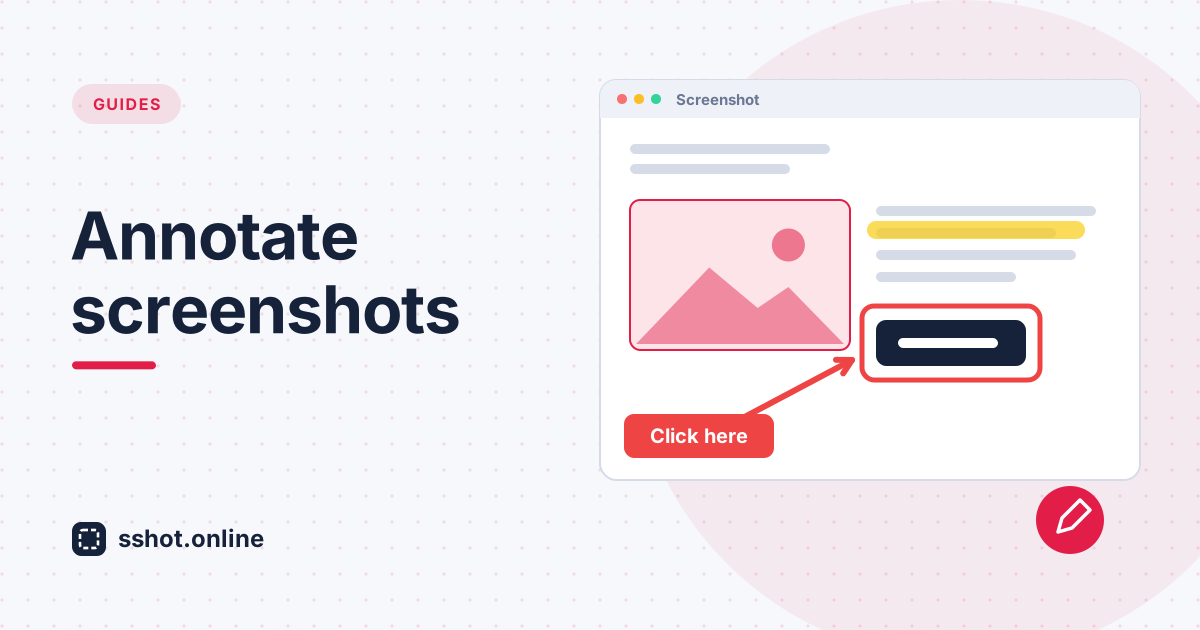
How to Annotate a Screenshot Before Sharing It (Arrows, Highlights, Text)
Add arrows, highlights, and text to a screenshot before you share it, using the free sshot.online browser extension.
Read More →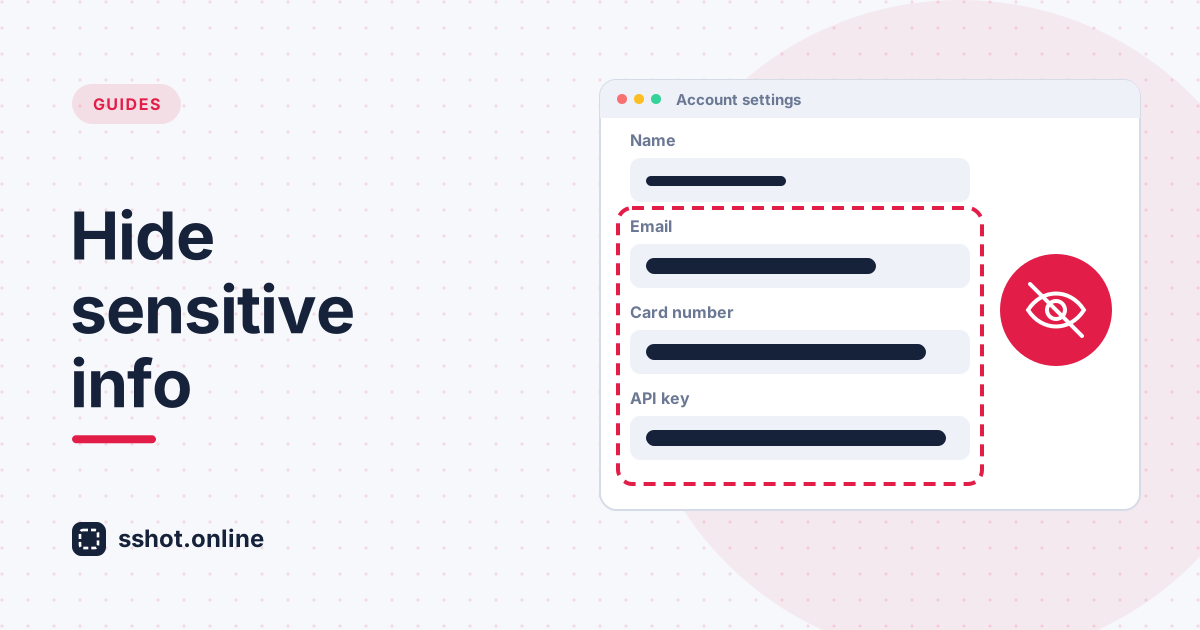
How to Blur or Redact Sensitive Info in a Screenshot Before Sharing
Hide emails, tokens, and personal data in a screenshot before you share it. A simple redaction checklist plus a safer way to share.
Read More →